GA4 as a Decision-Making Tool
Welcome to the GA4 track. Many shop owners treat Google Analytics 4 as a pure reporting tool. In this module, you'll learn how to use GA4 as a strategic management instrument, without having to build reports yourself.
After this module, you'll stop making vague requests like "How is the shop doing?" You'll ask specifically about levers, gaps, and action options, and get answers that justify budgets.
More data doesn't automatically mean better decisions. GA4 is powerful, but without a clear question it becomes a data graveyard. The skill is in narrowing the tool down to the questions that actually matter economically.
For CRO, GA4 is valuable because it surfaces causes. The absolute number isn't what matters. What matters is the pattern behind it: where are we losing prospects, and which groups are hit the hardest?
As a decision-maker, you primarily need levels two and three. Your team can handle reporting. Your job is to evaluate the diagnosis and derive test priorities from it.
This example shows the difference between a number and a basis for decision-making. Without segmentation, the abandonment rate is just an average. With segmentation, a clear test idea emerges.
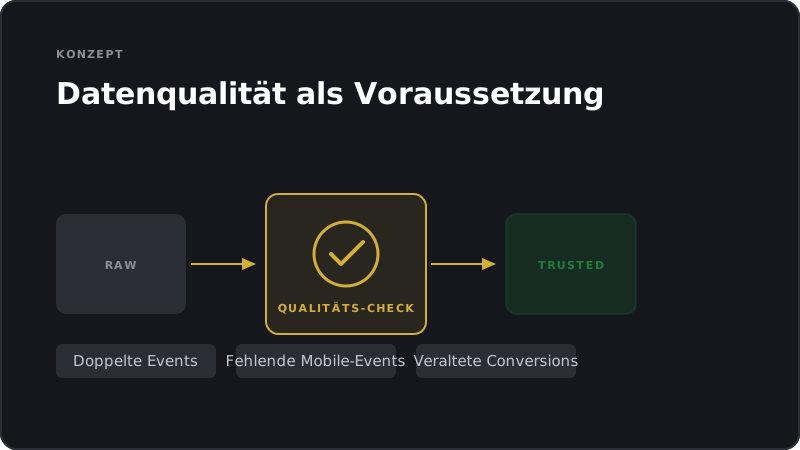
You don't need to set up events yourself. But you should know which events are business-critical for your shop and whether they're being captured correctly. That's a governance question, not an operational one.
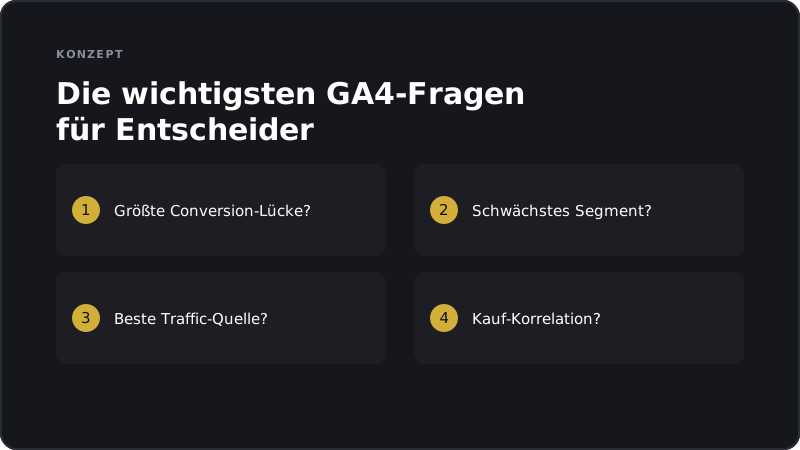
These are four questions you should be asking regularly. They lead directly to test ideas, budget decisions, and prioritization. Keep them in mind as your GA4 decision-maker checklist.
Averages are deceptive. Two shops with identical abandonment rates can have completely different problems. GA4 helps you spot those differences, and the right diagnosis is the first step toward the right action.
GA4 is the microscope, A/B testing is the experiment. Both together are powerful, but don't confuse the two. If you rely on analytics alone, you're often optimizing symptoms rather than root causes.
Your team delivers data. Your job is to translate that data into action. That only works if you're asking the right questions before the dashboard is even opened.
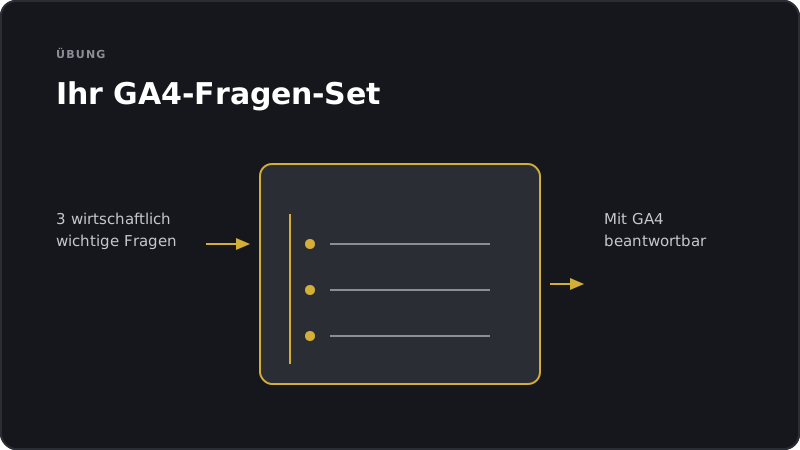
This exercise matters more than any dashboard view. Without a precise question, data won't move you forward. Make your questions as specific as possible.
Data quality isn't a technical side note. It's the foundation of every decision. A single incorrect purchase event can send an entire test strategy in the wrong direction. Ask about it.
Many shop owners spend time learning to use GA4 instead of learning which questions to ask. The goal of this track isn't tool operation. It's strategic confidence.
This is the ideal scenario: GA4 shows the pattern, the test proves the cause. Without GA4, it would have stayed a hunch. Without the test, the action would have stayed a guess.
The key takeaway from this module: GA4 becomes valuable when you narrow it down to the questions that matter economically. Fewer dashboards, more decisions.
These three habits mark the difference between a shop that collects data and a shop that uses it. Question, segment, hypothesis. That's the sequence.
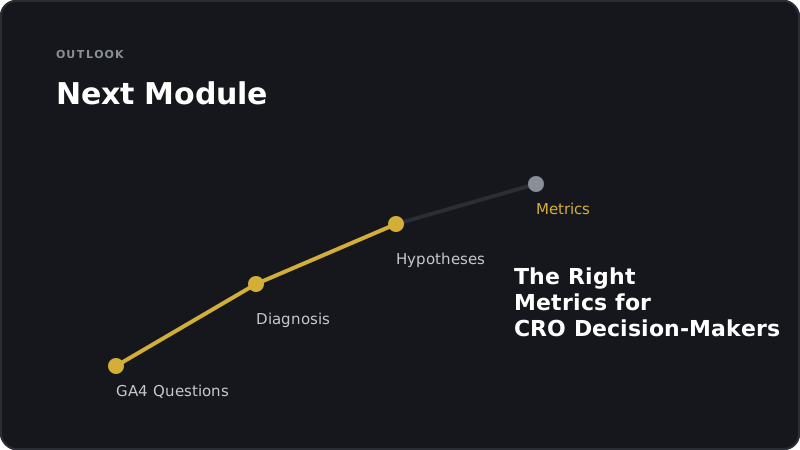
In the next module, we'll go deeper on metrics. Not every number in GA4 is relevant for CRO. We'll separate what matters from what distracts.
Apply what you have learned right away.
A quick look back before you continue.
This module comes with two PDF downloads you can apply right away:
After completing this module, you'll be able to use GA4 as a strategic management tool: instead of vague questions like "How's the shop doing?" you'll ask targeted diagnostic questions about funnel gaps, underperforming segments, and traffic quality, and you'll expect segmented, action-oriented answers from your team without having to build the reports yourself.